

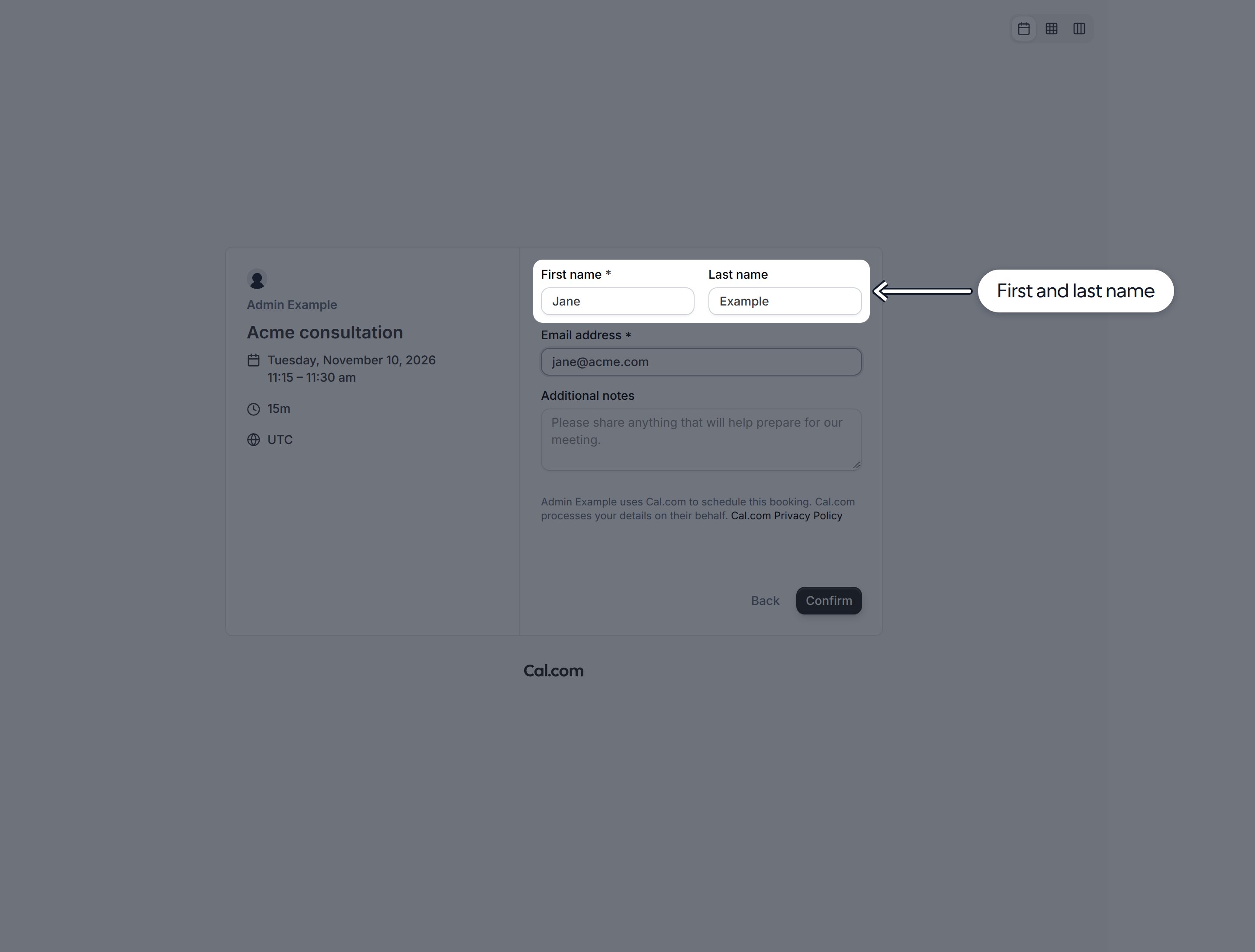
Split the name field
- Go to Links and open the Link you want to update.
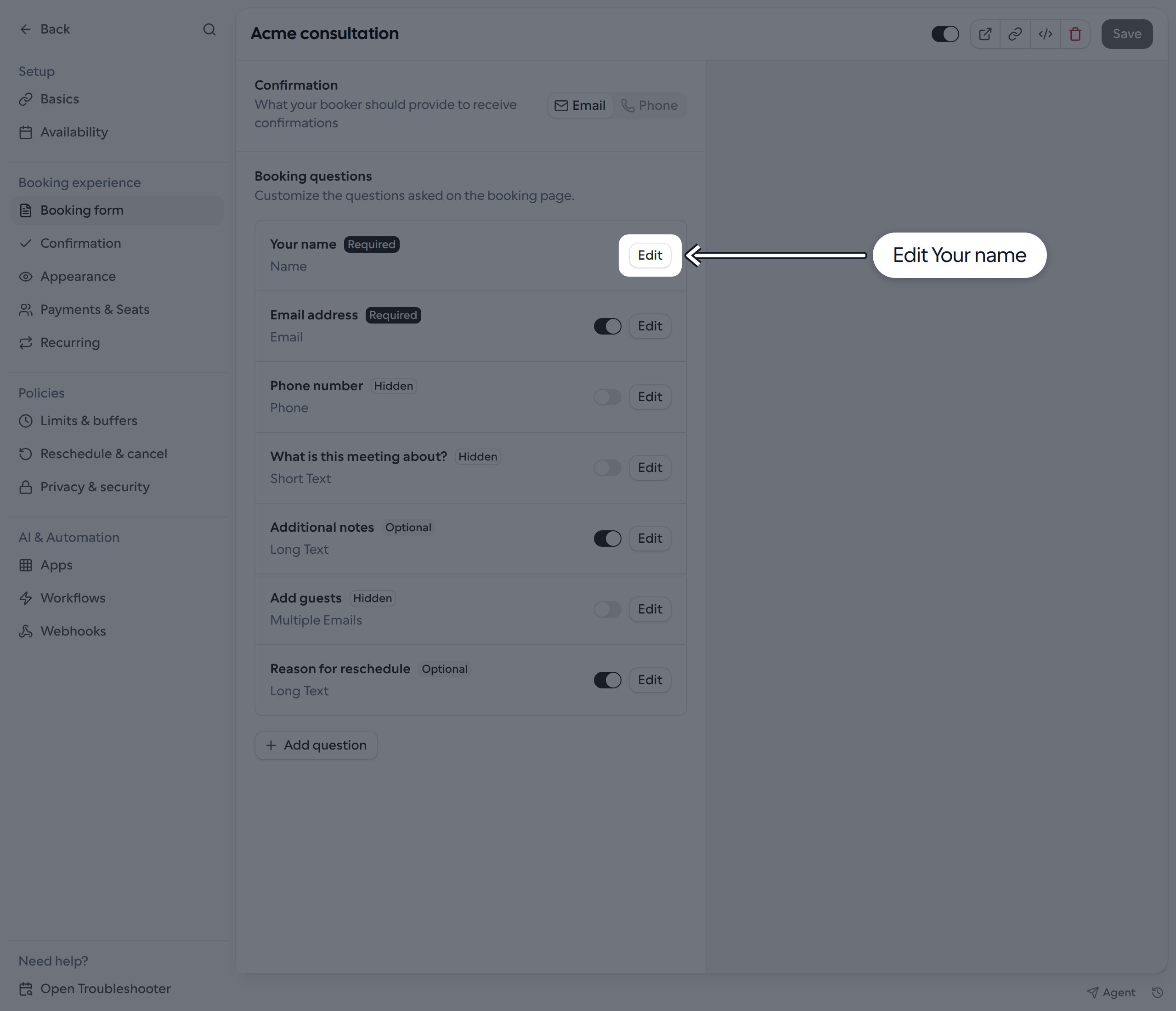
- Select Booking form. Under Booking questions, find Your name and click Edit.
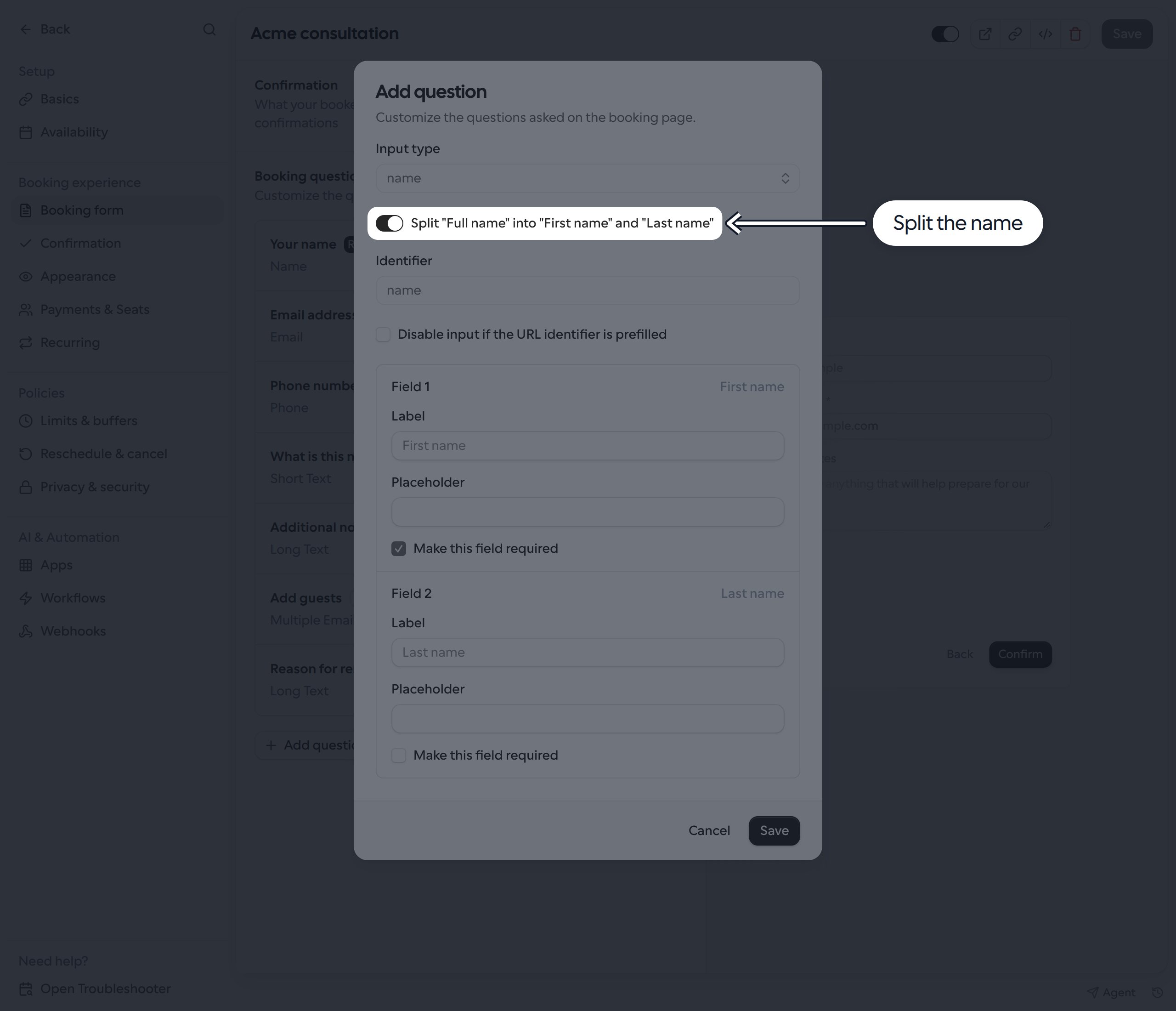
- Turn on Split “Full name” into “First name” and “Last name”.
- Optionally customize each field’s Label and Placeholder. First name is always required. Last name is optional by default; select Make this field required under Field 2 to require it.
- Click Save in the dialog, then Save on the Link.
Booking API requests
For booking endpoints that accept aresponses object, you can send the split name like this:
lastName or send an empty string. If you make it required, provide a non-empty value. These endpoints also accept a full-name string and split it at the first space, so existing string-based integrations do not have to switch to an object.
API v2 uses a different request format: send the full name as a string in attendee.name, even when the Link uses split fields. For example, the attendee portion of a request is: