" height="24px" id="WCm44spAV" width="24px"/><path d="M 3.892 7.742 C 1.674 7.742 0 6.014 0 3.882 C 0 1.738 1.589 0 3.892 0 C 5.107 0 5.951 0.374 6.623 1.173 L 5.566 2.09 C 5.118 1.621 4.564 1.386 3.892 1.386 C 2.452 1.386 1.547 2.517 1.547 3.882 C 1.547 5.246 2.452 6.356 3.924 6.356 C 4.649 6.356 5.193 6.111 5.63 5.63 L 6.718 6.558 C 6.153 7.24 5.193 7.742 3.892 7.742 Z" fill="rgb(255, 255, 255)" height="7.741500000000002px" id="XEPpGD7l5" transform="translate(4 8.25)" width="6.717999999999989px"/><path d="M 2.74 7.922 C 1.215 7.922 0 6.632 0 5.032 C 0 3.433 1.215 2.122 2.74 2.122 C 3.7 2.122 4.201 2.516 4.5 3.113 L 4.5 2.239 L 5.928 2.239 L 5.928 7.784 L 4.531 7.784 L 4.531 6.877 C 4.233 7.507 3.731 7.922 2.74 7.922 Z M 1.439 5.023 C 1.439 5.865 2.057 6.622 2.975 6.622 C 3.924 6.622 4.531 5.897 4.531 5.033 C 4.531 4.169 3.924 3.423 2.975 3.423 C 2.057 3.423 1.439 4.159 1.439 5.022 Z M 6.784 7.784 L 6.784 0 L 8.224 0 L 8.224 7.784 L 6.784 7.784 Z" fill="rgb(255, 255, 255)" height="7.9224997406005855px" id="lGDJupIUR" transform="translate(10.5 8)" width="8.223500194549558px"/></g></svg>)
" width="18px"><path d="M 2 8 C 0.895 8 0 7.105 0 6 L 0 2 C 0 0.895 0.895 0 2 0 L 6 0 C 7.105 0 8 0.895 8 2 L 8 6 C 8 7.105 7.105 8 6 8 Z" fill="transparent" height="8px" id="ZrCrI93dV" stroke-dasharray="" stroke-linecap="round" stroke-linejoin="round" stroke-width="2" stroke="rgb(0, 0, 0)" width="8px"/><path d="M 0 0 L 0 4 C 0 5.105 0.895 6 2 6 L 6 6" fill="transparent" height="6px" id="emltWYAiE" stroke-dasharray="" stroke-linecap="round" stroke-linejoin="round" stroke-width="2" stroke="rgb(0, 0, 0)" transform="translate(4 8)" width="6px"/><path d="M 2 8 C 0.895 8 0 7.105 0 6 L 0 2 C 0 0.895 0.895 0 2 0 L 6 0 C 7.105 0 8 0.895 8 2 L 8 6 C 8 7.105 7.105 8 6 8 Z" fill="transparent" height="8px" id="WpBecYDfi" stroke-dasharray="" stroke-linecap="round" stroke-linejoin="round" stroke-width="2" stroke="rgb(0, 0, 0)" transform="translate(10 10)" width="8px"/></g></svg>)

Setmore vs. Calendly Alternatives: Which Should You Pick?
Finding a common time, sending invites, confirming receipt, sending reminders, and then creating meeting links (for virtual meetings) are all manual tasks that are replaced and automated by scheduling software. The usefulness of these platforms is why the global scheduling software industry is worth over six billion dollars. Setmore and Calendly are both common choices among scheduling software users online, but they’re not known for their flexibility, scalability, and support for complex workflows.

One of the big problems that people face when using scheduling software is building their workflow around software limitations. The two platforms in question, Setmore and Calendly, are great for personal, non-commercial scheduling. However, for commercial, business, and enterprise scheduling requirements, Setmore and Calendly do not offer the best possible feature depth or user experience.
That’s when users are forced to look for scheduling alternatives. Both Calendly and Setmore are known for their free plans. So, looking for scheduling alternatives to these platforms is not an easy task. You need to find options that offer equally enticing free plans and value to their users. One of the alternatives that jumps out as matching the value proposition described is Cal.com. The primary differences between Cal.com and other platforms like Setmore and Calendly are that Cal.com is built on an API-first infrastructure.
It is also highly customizable and flexible, allowing users to easily incorporate it into their existing workflows. The integration options, along with team-based scheduling features and organizational support, make Cal.com truly stand out as an all-in-one end-to-end scheduling solution for both individuals and enterprises.
While Setmore and Calendly have their limitations, they also have benefits that are suitable for certain users. So, let’s review each of these platforms and how they compare against each other. We’ll compare the free plans of all three platforms against each other, as well as other crucial factors like features, use cases, pricing, integration options, team scheduling options, flexibility, and scalability. So, let’s answer the question: which among Setmore, Calendly, or Cal.com should you pick?
Setmore vs Calendly vs Cal.com: at a glance
Factor | Setmore | Calendly | Cal.com |
Best for | Pre-revenue startups | Personal scheduling | Flexible, customizable, and scalable scheduling for individuals and businesses |
Primary focus | In-person appointment booking | Virtual meetings | End-to-end appointment booking infrastructure for individuals and enterprises |
Typical users | Service-based businesses | Freelancers, individuals | Professionals, service-based businesses, startups, enterprises |
Booking pages | ✅ Yes | ✅ Yes | ✅ Yes (supports white-labeling) |
Appointment booking | ✅ Yes (strong) | ✅ Yes (limited focus) | ✅ Yes (strong) |
Team scheduling | ✅ Yes (limited focus) | ✅ Yes | ✅ Yes (strong) |
Round-robin scheduling | ⚠️ Limited | ✅ Yes | ✅ Yes (supports all types of round-robin scheduling) |
Calendar syncing | ✅ Yes | ✅ Yes (strong) | ✅ Yes (strong) |
Automated reminders | ✅ Yes | ✅ Yes | ✅ Yes |
Payment collection | ✅ Yes | ✅ Yes | ✅ Yes |
Business integration | ✅ Yes | ✅ Yes | ✅ Yes (over 3,000 integration options) |
API capabilities | ⚠️ Limited | ⚠️ Limited | ✅ Advanced (custom API support) |
Customization | ⚠️ Moderate | ⚠️ Moderate | ✅ Extensive |
Self-hosting | ❌ No | ❌ No | ✅ Yes |
Free plan | ✅ Yes | ✅ Yes | ✅ Yes |
Best use case | Simple appointment management | Simple meeting scheduling | Developer-friendly scheduling solution with complete control, flexibility, and customization options |
Drawback | Does not suit complex scheduling workflows | Access to advanced capabilities requires upgrading plans | Too powerful for basic personal scheduling |
TL;DR: Setmore is best suited for service-based businesses in its nascent stages. Calendly works well for individuals who want a free scheduling solution for personal scheduling. Cal.com offers a remarkable scheduling solution that suits the needs of both businesses and professionals.
Setmore vs Calendly vs Cal.com: Quick overview
Each of these scheduling platforms has its pros and cons, but they are all reliable for their specific use case and allow users to conveniently book meetings and appointments. The key difference between each of these platforms lies in its use case specificity and how much control it offers users over their scheduling experience. So, let’s take a closer look at each platform, its strengths and weaknesses.
What is Setmore?
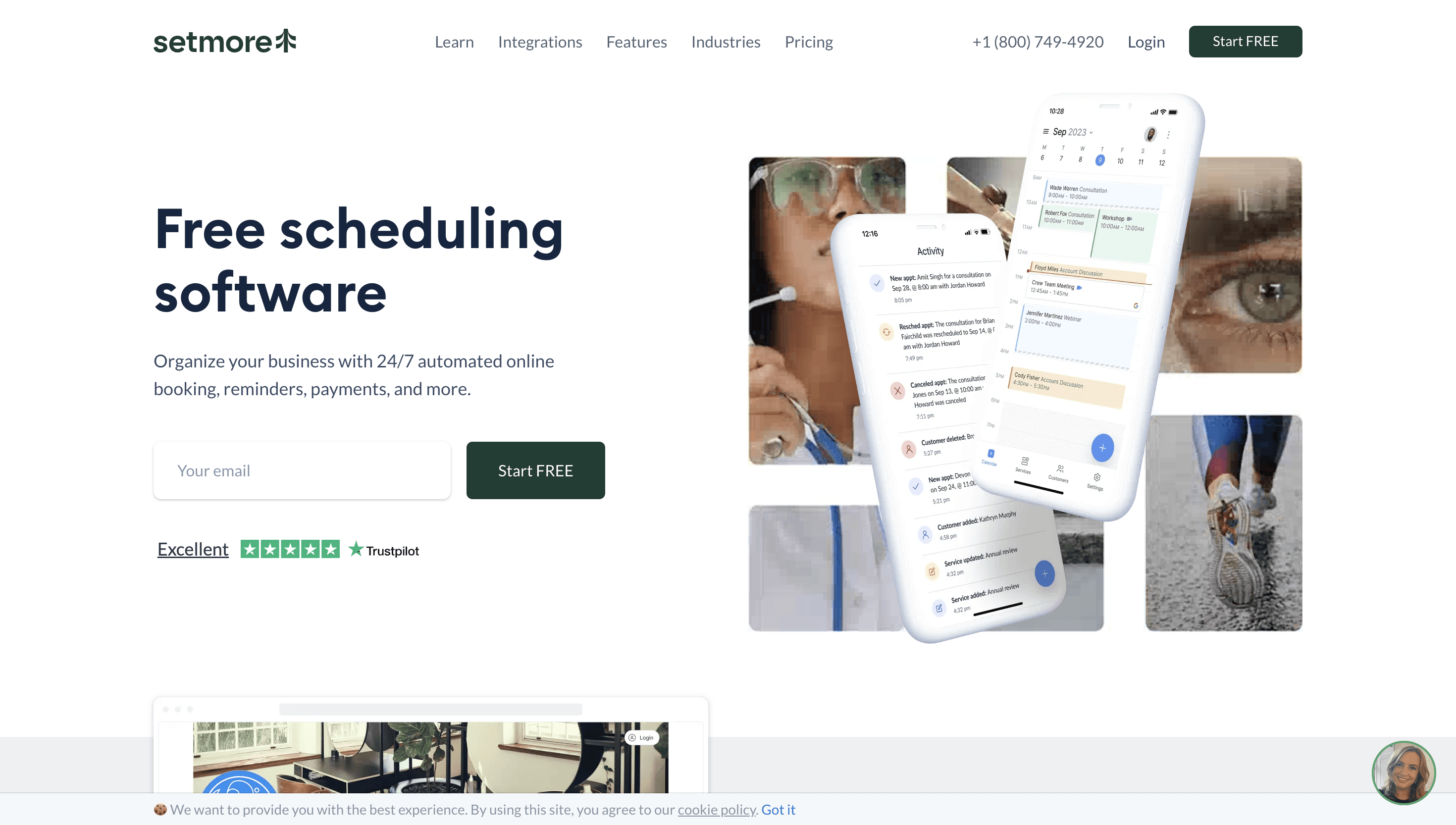
Setmore is primarily an appointment scheduling platform for small businesses and service providers. Its strengths lie in its free plan, which helps businesses operate up to four team member profiles in one free account for as long as they need. This allows businesses to operate team accounts and set up appointments with specific team members, all from the free account of Setmore. Additionally, one of the strongest features of Setmore is its ability to accept payments for appointments. This feature makes Setmore a staple for service-based businesses.
Setmore is easy to use and get started with, even though it doesn’t support technical setups and multi-location appointment booking as well as other options we’ll be discussing. The limitations with Setmore often come from the fact that it has limited team-based scheduling features, even though the free account allows you to have up to four users. Nonetheless, Setmore is a good option for users who want solid core scheduling functionality without requiring a complicated setup.
What is Calendly?
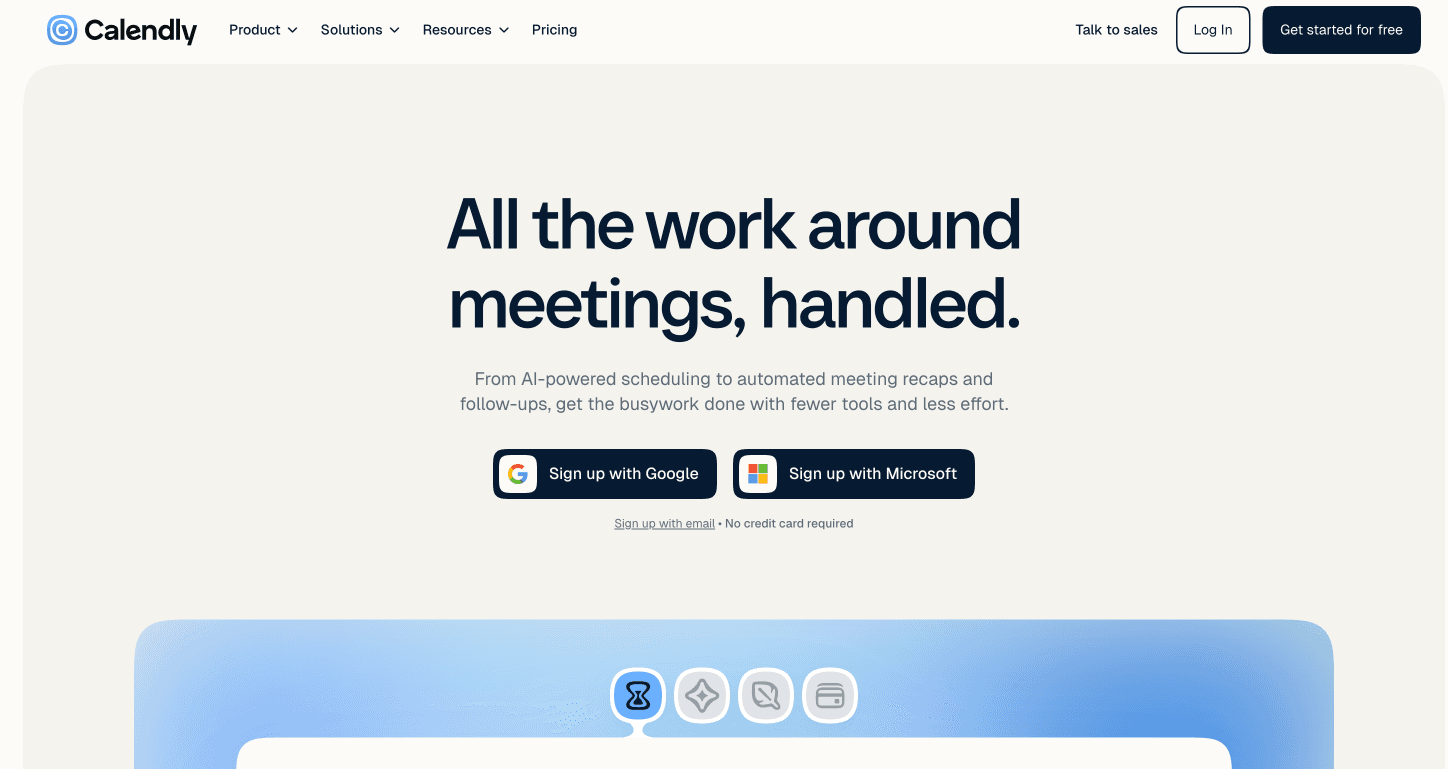
Calendly is a popular scheduling platform that’s focused on end-users and individuals to manage their personal schedules conveniently. Its focus lies on quick setup and deployment without a complex setup. The platform focuses heavily on meeting types, availability controls, booking links, and workflows that help people coordinate professional meetings.
The primary strengths of Calendly revolve around individual scheduling since that’s the use case it supports most. Team scheduling and enterprise-level scheduling are not the most supported uses of Calendly. Even though there are team-based scheduling features, they are generally locked behind paid tiers and only accessible on the higher-priced plans of Calendly.
For these reasons, Calendly is better suited for personal, non-commercial scheduling. Since the free plan of Calendly restricts users to only one event type per free account, personal scheduling often becomes the only option you can comfortably use on Calendly.
3. What is Cal.com?
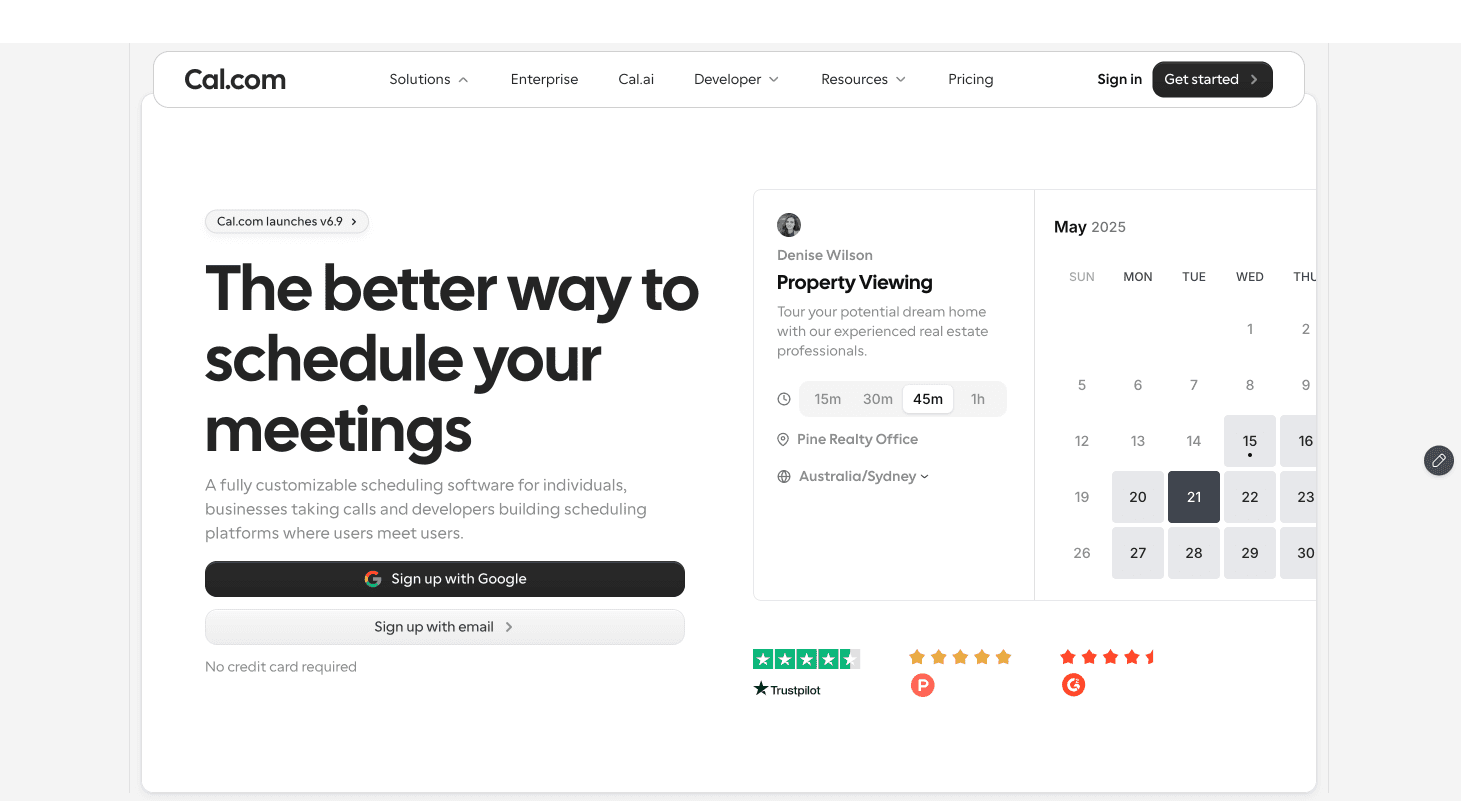
Cal.com is an API-first scheduling platform that was originally designed to cover the limitations of Calendly. It is one of the only scheduling platforms that fits the needs of both individuals and businesses without costing a fortune. The features it offers on every tier outperform the competition significantly. Additionally, Cal.com is very easy to integrate into your websites and workflows. This offers a level of customizability, control, and scalability that’s simply not found on competitors like Setmore and Calendly.
One of the primary benefits of using Cal.com is its transparent pricing and clearly marked plans for different users. If you’re a solo user, the free plan works great for you at absolutely no cost. For teams, features like custom API access, round-robin scheduling, and custom routing forms make lead routing and fair workload distribution easier. Lastly, for the organizations and enterprise plans, you get access to Cal.com’s self-hosting capabilities as well as coverage for all major compliance at no extra cost.
The key difference between Setmore, Calendly, and Cal.com
The simplest way to distinguish the three is by their primary focus:
Setmore is focused on appointment booking and caters to the needs of service-based businesses primarily.
Calendly is focused on personal scheduling and focuses primarily on non-commercial meeting scheduling.
Cal.com is customizable and supports the needs of both individuals and businesses. It offers more flexibility in use cases and greater feature depth to improve scalability.
While there is some overlap between these platforms, each of them has its own strengths and weaknesses. We’ll explore each with dedicated comparisons between these platforms.
Setmore vs Calendly: Which is better?
Setmore and Calendly are both popular manual scheduling platforms. However, they are optimized for different types of users. Appointment-based businesses generally choose Setmore, while professional meeting scheduling is better managed with Calendly. Here’s a detailed look at how these platforms compare against each other.
Capability | Setmore | Calendly | Better fit |
Primary use case | Customer appointments and services | Personal meetings | The better fit depends largely on the end user |
Target users | Small service-based businesses | Professionals and individuals | The better fit depends on the use case |
Service booking | ✅Strong | ⚠️Limited | Setmore |
Meeting scheduling | Yes | ✅Strong | Calendly |
Booking page | Yes | Yes | Tie |
Staff scheduling | ✅Strong | ⚠️Limited | Setmore |
Team scheduling | Yes | ✅Strong | Calendly |
Round-robin scheduling | ⚠️Limited | Yes | Calendly |
Calendar integrations | Yes | ✅Strong | Calendly |
Automated reminders | Yes | Yes | Tie |
Payment collection | ✅Strong | Yes | Setmore |
Video meeting integrations | Yes | ✅Strong | Calendly |
Business integrations | Yes | ✅Extensive | Calendly |
Customization | Moderate | Moderate | Tie |
Ease of use | High | High | Tie |
Best suited to | Appointment-based businesses | Personal and professional one-on-one meetings | Depends on the user |
Verdict: Setmore or Calendly?
Choose Setmore if your business manages customer appointments, services, staff schedules, and payments. It is particularly well suited to small appointment-based businesses. On the contrary, if you need scheduling software for personal scheduling, you can use Calendly instead, as it caters better to personal and solopreneurial scheduling requirements. Overall, none of these platforms are inherently better than one another. The choice you make should be informed by your requirements.
Calendly vs Cal.com: Which is better?
Calendly and Cal.com both support professional meeting scheduling. However, Cal.com is much more suited to meet the requirements of professional workflows. This is mainly because Cal.com has better team-based and organizational features. Calendly has a decent personal scheduling workflow, but it is generally not best suited for commercial scheduling. So, when it comes to Calendly vs Cal.com, even though the differences may be small, they appear where it matters and end up creating two platforms that serve completely different user bases.
Capability | Calendly | Cal.com | Better fit |
Primary use case | Personal meeting scheduling | Flexible professional meeting scheduling and booking infrastructure | Depends on the user |
Individual scheduling | ✅ Strong | ✅ Strong | Tie |
Team scheduling | Yes | ✅ Strong | Cal.com |
Round-robin scheduling | Yes | ✅ Exceptional | Cal.com |
Routing workflows | Yes | ✅ Advanced | Cal.com |
Calendar integrations | ✅ Strong | ✅ Advanced | Cal.com |
Meeting integrations | Yes | ✅ Strong | Cal.com |
Booking page customization | Moderate | ✅ Advanced | Cal.com |
Developer capabilities | Yes | ✅ Strong | Cal.com |
Integrations | Yes | ✅ Exceptional | Cal.com |
Self-hostability | ❌ No | ✅ Yes | Cal.com |
Infrastructure control | ⚠️ Limited | ✅ High | Cal.com |
Ease of use | High | High | Calendly |
Enterprise workflow support | Yes | ✅ Strong | Cal.com |
Best suited to | Individuals and professionals who want a simple scheduling platform | Users who need a flexible, customizable, and reliable end-to-end scheduling solution | Depends on the user |
Verdict: Calendly or Cal.com?
Cal.com was specifically developed as an alternative to Calendly, so it is not surprising that Cal.com outperforms Calendly in most of the categories. The only use case where Calendly honestly ranks above Cal.com is for simple scheduling users who may find Cal.com to be an overpowered option for their simple scheduling requirements. Additionally, Calendly is also quicker to set up, which can be suited for personal scheduling workflows. Cal.com outperforms Calendly for team scheduling and broader workflows.
Setmore vs Cal.com: Which is better?
Setmore and Cal.com are both great options for commercial scheduling. Both platforms can serve service-based businesses, and they offer excellent features for teams and organizations to optimize and improve their scheduling. While Setmore is unmatched in terms of appointment scheduling, Cal.com gains an edge over it with regard to team scheduling. Here’s a breakdown of how they compare against each other.
Capability | Setmore | Cal.com | Better fit |
Primary use case | Customer appointments | Flexible scheduling and booking infrastructure | Depends on the use case of the end user |
Small-business appointment booking | ✅ Strong | ✅ Strong | Tie |
Service-based scheduling | ✅ Strong | ✅ Strong | Tie |
Staff scheduling | Yes | ✅ Strong | Cal.com |
Team scheduling | Yes | ✅ Strong | Cal.com |
Round-robin scheduling | ⚠️ Limited | ✅ Strong | Cal.com |
Calendar synchronization | Yes | ✅ Advanced | Cal.com |
Automated reminders | Yes | Yes | Tie |
Payment collection | ✅ Strong | ✅ Strong | Setmore |
Business integrations | Yes | ✅ Extensive | Cal.com |
APIs | ⚠️ Limited | ✅ Strong | Cal.com |
Customization | ⚠️ Limited | ✅ Strong | Cal.com |
Self-hosting | ❌ No | ✅ Yes | Cal.com |
Infrastructure control | ⚠️ Limited | ✅ High | Cal.com |
Ease of setup | High | High | Setmore |
Best suited to | Small service businesses | Businesses of all sizes, as well as teams, developers, and organizations that need flexible scheduling | Depends on the user |
Verdict: Setmore vs Cal.com?
Setmore is a suitable choice for service-based businesses that are just starting out. Thanks to the support of up to four members on the free plan, Setmore can help businesses get started and off the ground. Cal.com is a more advanced platform comparatively, with greater feature depth and an even more generous free plan. Thanks to the integration options on Cal.com, you get the most out of your scheduling app when you use platforms like Cal.com, thanks to its customization options. Overall, Setmore and Cal.com do not serve the same user base, honestly, so based on the size of your business and where you are in your journey, you can choose any of them to get started.
Final verdict: Setmore vs Calendly vs Cal.com
All three platforms are reliable scheduling software options with their own strengths and weaknesses. It is important to note that each of these platforms was developed to meet specific requirements and suit the workflow of different users. Among the three options, if you want scheduling software that caters only to service-based businesses, you can choose Setmore. If you want a platform for personal scheduling, you can choose Calendly. Lastly, if you want a scheduling platform that suits the needs of every user and use case, with scalability and flexibility ingrained into its workflows, choose Cal.com.
With Cal.com, you can get coverage for both personal scheduling and service-based business scheduling requirements. The scalability factor also ensures you can use Cal.com for both a small business and large enterprises. The plan support extends for larger organizations easily and offers the same tactile performance experience across the board. So, if you’re interested in checking out the best option comparatively among Setmore, Calendly, and its alternatives, contact our team at Cal.com today.
Frequently asked questions
1. Is Setmore better than Calendly?
Setmore is better for businesses that primarily manage customer appointments and services, such as salons, clinics, fitness businesses, and other service providers. Calendly is better for professional meeting workflows, particularly sales, recruiting, consulting, and team scheduling.
2. Is Calendly better than Cal.com?
Generally, Cal.com ranks above Calendly as it offers more value to users. From a pricing point-of-view, Cal.com has a more feature-rich free plan than Calendly and offers highly competitive paid plans that repeatedly outperform Calendly in terms of value and usability.
3. Is Cal.com a good alternative to Calendly?
Yes. Cal.com is among the best Calendly alternatives for users who need more control over their scheduling setup. Its API-first architecture, customization options, developer capabilities, integrations, and self-hosting support make it particularly relevant to businesses and developers with requirements beyond standard meeting booking.
4. Is Setmore a good alternative to Calendly?
Yes, particularly for appointment-based businesses. Setmore is designed around services, customer appointments, staff schedules, and payments, while Calendly is more focused on professional meeting scheduling. A business that manages services rather than primarily scheduling meetings may find Setmore a better fit.
5. Which is better for small businesses: Setmore, Calendly, or Cal.com?
It depends on the type of small business. Setmore is generally the best fit for appointment-based service businesses. Calendly works well for solo professionals and small teams that primarily schedule meetings. Cal.com is a better fit for most small businesses as it offers extensive customization, integrations, and developer control.
6. Which scheduling platform is best for teams?
Calendly and Cal.com are both strong choices for teams. Calendly is well suited to teams that want simple meeting scheduling, while Cal.com is particularly useful when teams need greater customization or control over their scheduling infrastructure.
7. Which scheduling platform is best for appointment-based businesses?
Setmore is the strongest fit among the three for traditional appointment-based businesses. Its focus on payment support, customer bookings, staff scheduling, reminders, and payments aligns closely with the needs of businesses such as salons, clinics, fitness providers, and other service businesses.
8. Which scheduling platform is best for professional meetings?
Calendly and Cal.com are both strong options for professional meetings. Calendly is a choice for teams that want managed meeting-scheduling, while Cal.com is better suited to organizations that want a more integrated and scalable meeting scheduling solution.
9. Which scheduling platform is best for developers?
Cal.com is the strongest fit for developers because it emphasizes customization, integrations, and API capabilities. Its self-hosting option can also provide greater control over how scheduling is deployed and integrated with other systems.
10. Can Cal.com be self-hosted?
Yes. Cal.com supports self-hosting, which distinguishes it from hosted scheduling platforms such as Setmore and Calendly. Self-hosting can be useful for organizations that need greater control over their scheduling environment, infrastructure, or customization.
11. Does Setmore support online payments?
Yes. Payment collection is one of Setmore's strengths for appointment-based businesses. This makes it useful when customers need to pay for a service or appointment as part of the booking process.
12. Does Calendly support team scheduling?
Yes. Calendly does support team-oriented scheduling workflows. However, its team scheduling capabilities are only available for paid users.
13. Does Cal.com support team scheduling?
Yes. Cal.com supports team scheduling and can be used to coordinate availability across multiple people. Its flexibility also makes it suitable for organizations that need to adapt scheduling workflows to their own requirements.
14. Do Setmore, Calendly, and Cal.com integrate with calendars?
Yes. All three platforms support calendar integrations, although the specific calendars, synchronization capabilities, and plan-level availability can differ. Calendar synchronization is a core scheduling capability across the three platforms.
15. Which scheduling platform offers the most customization?
Cal.com offers the greatest customization potential among the three, particularly because of its developer-friendly approach. Setmore and Calendly provide customization within their respective hosted products, while Cal.com offers additional control for organizations that need to adapt the platform or integrate it into their own systems.
16. Which is better for sales teams: Calendly or Cal.com?
Both can support sales scheduling, but the better choice depends on the team's requirements. Calendly is well suited to established sales workflows and professional meeting coordination, while Cal.com is particularly attractive when the sales organization needs deeper customization, integrations, or control over its scheduling infrastructure.
17. What is the best Calendly alternative?
While the answer may differ for different users, Cal.com repeatedly ranks as the best Calendly alternative because it was specifically designed to overcome the limitations of Calendly. Additionally, Cal.com has a better feature set with greater feature depth compared to Calendly.
18. What is the best Setmore alternative?
Setmore is a starter scheduling platform that can be useful for startups and businesses just starting out. Cal.com is often ranked as the best Setmore alternative that stands out for its better features, support for teams, organizations, and enterprise users, and, lastly, its integration and compliance support that ensures the scheduling system it creates is highly scalable.

Get started with Cal.com for free today!
Experience seamless scheduling and productivity with no hidden fees. Sign up in seconds and start simplifying your scheduling today, no credit card required!