














Scheduling
Recurring events
Book a series in one go.
Connect your identity provider to your Cal.com organization. People sign in with SAML or OIDC, join the teams their directory groups map to, and leave when you deactivate them.
Trusted by fast-growing companies around the world




Martin runs IT at Acme. Follow him from the SAML dialog to Tobias's first day in Sales, and to Pieter's last day in Support.
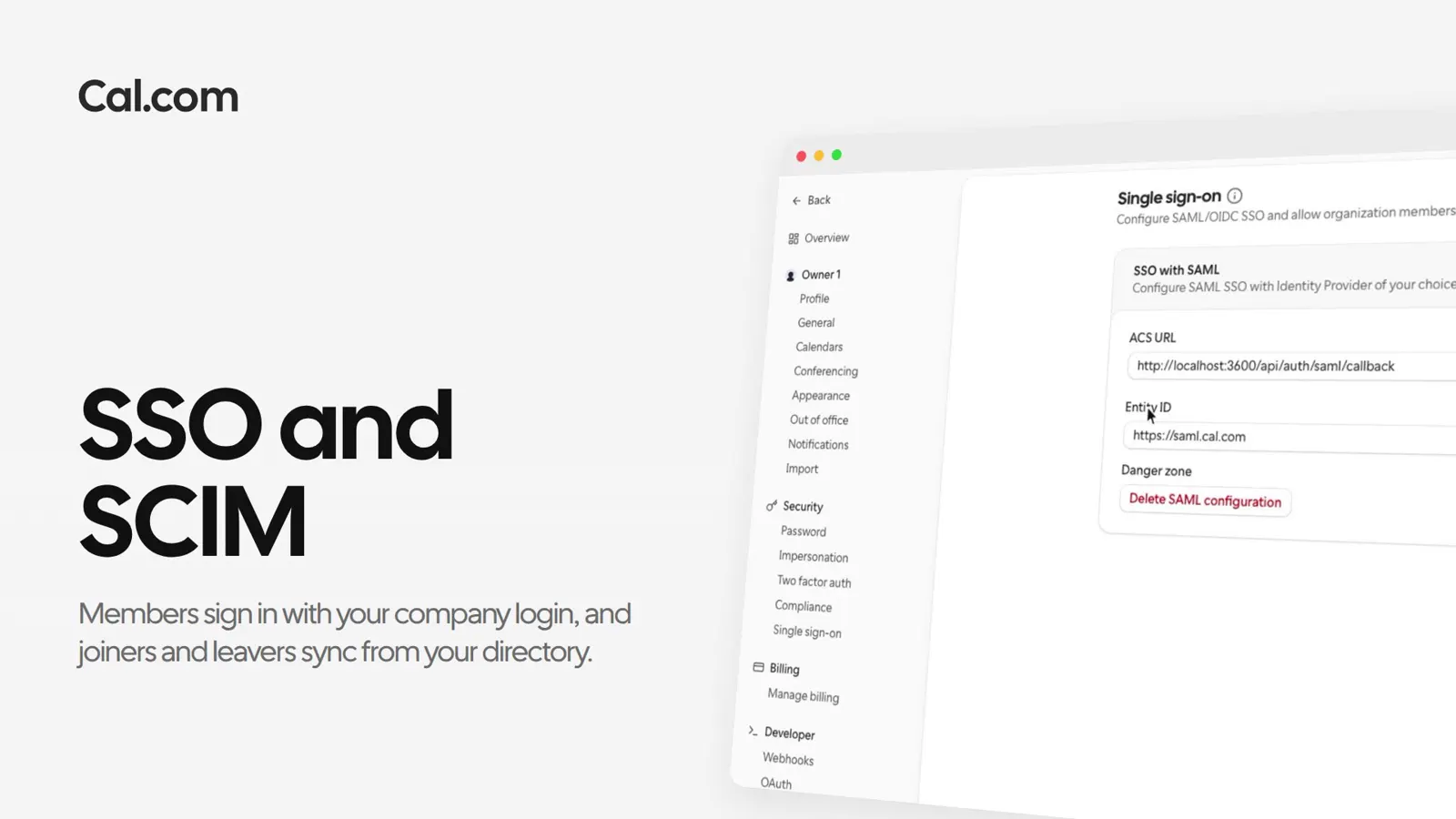
Martin opens SSO with SAML and pastes the metadata from Okta. Cal.com saves the connection and shows the ACS URL and Entity ID he copies back into Okta.
He names the directory Acme Okta and picks Okta SCIM v2.0. Cal.com gives him a SCIM Base URL and a Bearer Token, the two things Okta asks for.
Under Teams, Martin adds the Okta group Sales to the Sales team and Support to Support. Onboarding has no group yet, so nobody joins it from Okta.
HR puts Tobias, a new hire, in the Sales group in Okta. Cal.com creates his account in Acme, adds him to the Sales team and emails him an invite.
On Pieter's last day, Martin deactivates him in Okta. Cal.com removes him from Acme, from Support and from the team's event types.
Cal.ai lists a team's members as directory sync left them, so you can check a change landed.
A short recording of Okta going from the SAML dialog to its first synced team member, in the same steps as above.
In this video
Each one works the same way: set it up once on a link, or ask Cal.ai to do it for you.
Connect Okta or any SAML, OIDC or SCIM provider to your organization.
Get startedTalk to sales