












Scheduling
Buffers & limits
Breathing room and daily caps.
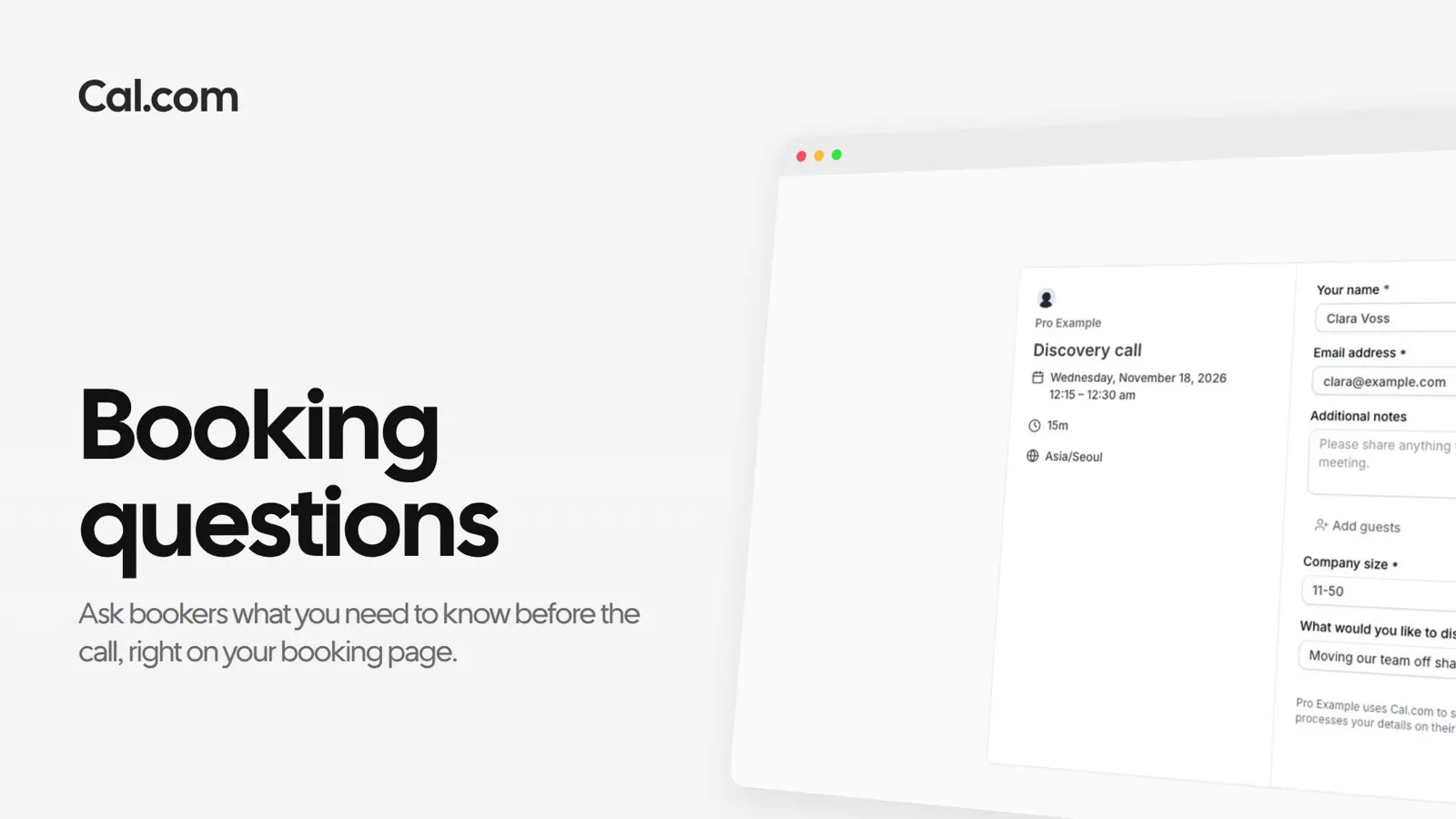
Add your own questions to the booking form. Bookers answer them as they book, and the answers arrive with the booking.
Trusted by fast-growing companies around the world




Lena wants to know who she's talking to before Northwind's discovery calls. Follow her questions from the Booking form tab to Clara's answers in her inbox.
Lena opens the discovery call's Booking form tab. Name and email are required, and the rest can be optional or hidden, so she switches Add guests off.
She adds Company size as a Select with four sizes and keeps it required. A required long-text question, What would you like to discuss?, goes in under it.
After picking Thursday at 11:00am, Clara gets Lena's questions on the form. Both carry a *, so she answers them before she confirms.
Clara's confirmation lists what she wrote, and Lena's email ends with the same answers. Lena knows the team's size and the topic before she joins.
Tell Cal.ai what you want to know before a call. It adds the questions to the link and shows you the change before it saves.
A short recording of a booking question going from the Booking form tab to a booker's answer, in the same steps as above.
In this video
Each one works the same way: set it up once on a link, or ask Cal.ai to do it for you.
Which questions you can ask, and where the answers go.
Ask a questionPut your questions on the booking page and read the answers before anyone joins.
Get startedTalk to sales