












Scheduling
Dynamic group links
Two people, one combined link.
Pick the dates and a reason. New bookings stop, or go straight to the teammate covering for you, and your page tells people which.
Trusted by fast-growing companies around the world




Daniel is off from 9 to 13 November and Clara covers for him. Follow it from the form he fills in to the booker who still uses his link.
The dates, a reason and a note for his booking page. He's hiking in the Dolomites and back on the 16th.
He turns on the link to a team member and picks Clara. The entry ends on its last day, so there's nothing to switch back.
Anyone who opens Daniel's link that week sees the reason, his note and a button to book Clara instead.
One click opens Clara's booker for the same call, and the time they pick is with her.
Tell Cal.ai the dates and the teammate. It blocks the days, sends your bookings to them and shows you the plan first.
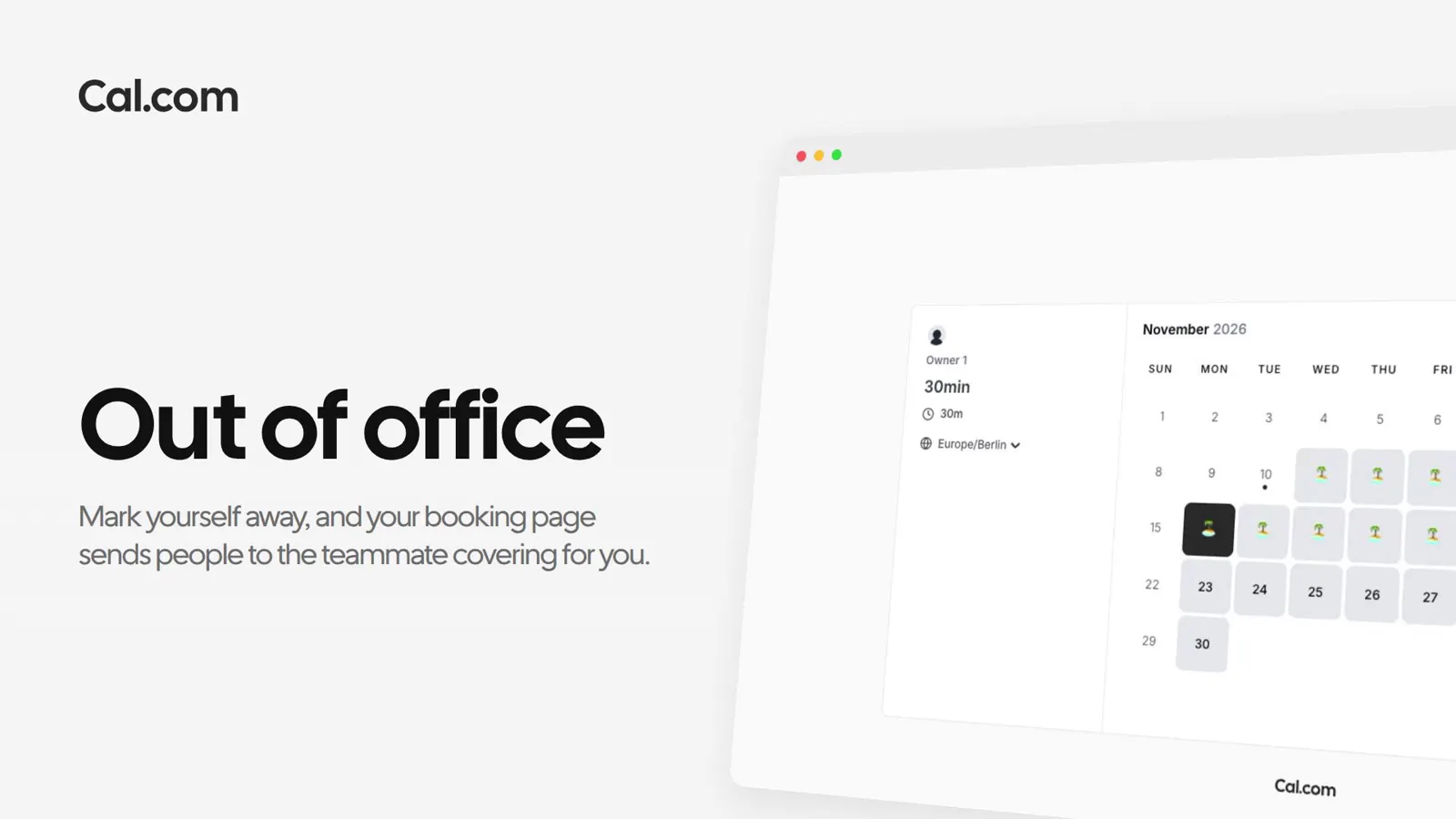
A short recording of an out of office entry going from the dates to the redirect your bookers see, in the same steps as above.
In this video
Going away cancels nothing. Daniel still hosts three calls that week, so his admins get an email listing them and can hand them over.
Each one works the same way: set it up once on a link, or ask Cal.ai to do it for you.
What happens to bookings, who gets told, and when it ends.
Ask a questionSet it once. Your booking page tells people, and sends them to whoever covers.
Get startedTalk to sales