













Scheduling
Recurring events
Book a series in one go.
Your admin connects Cal.com to your company's Google Workspace once. After that, everyone with an email on your domain has their calendar in Cal.com from their first day.
Trusted by fast-growing companies around the world




Tobias runs IT at Acme. Follow his credential from the settings page to Felix's first week, when Clara books a call with him.
Tobias opens the organization's settings, enters acme.com, picks Google Workspace and pastes the key of a Google Cloud service account.
Cal.com shows the client ID and the calendar scope to copy. Tobias authorizes both in the Google Workspace Admin Console, which is the domain-wide delegation step.
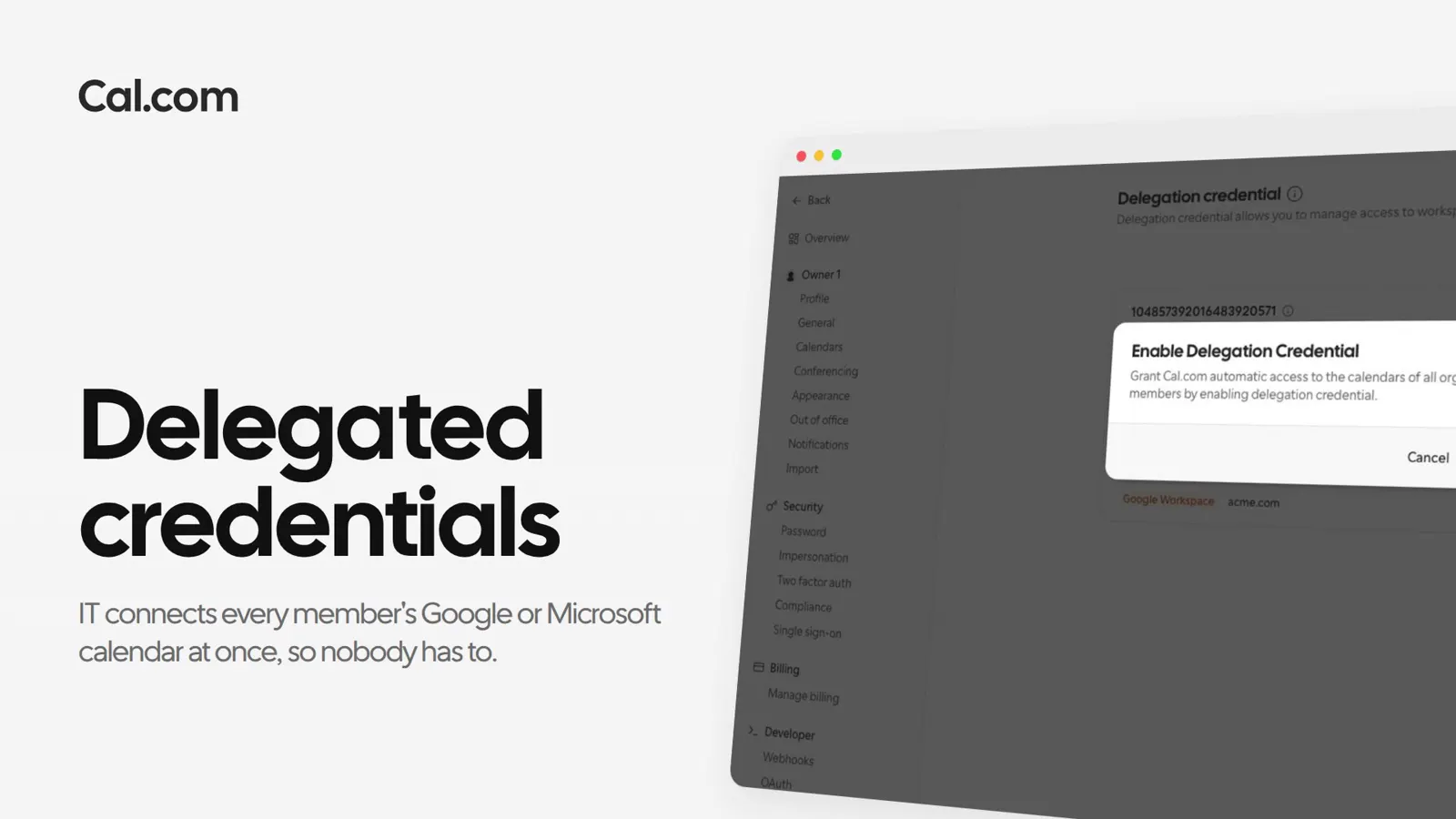
He turns the credential on and confirms. Cal.com checks that it can reach Acme's workspace before it says the credential is enabled.
Felix joins Acme on Monday. His Google Calendar already shows under Calendars, managed by the organization, so he only picks which calendars to check for conflicts.
Clara opens Felix's intro call on Thursday. His meetings in Google Calendar block their slots, and her booking goes on his calendar with a Google Meet link.
A new hire can ask Cal.ai whether their calendar is connected, and it answers from what Cal.com sees.
A short recording of a delegation credential going from a Google Cloud service account to members' calendars, in the same steps as above.
In this video
Each one works the same way: set it up once on a link, or ask Cal.ai to do it for you.
Who it covers, what members get, and what happens when it's off.
Ask a questionOne setup by IT, and every new hire's calendar is ready when they are.
Get startedTalk to sales