










Scheduling
Seats
Several people in one slot.
Type cal.com/lena+felix and send it. Whoever opens it sees only the times you're both free and books you together, with no team or new link to set up.
Trusted by fast-growing companies around the world




Lena adds Ida to the link in her reply. Priya opens it in London and books all three of them at once.
Lena writes cal.com/lena+felix+ida straight into her reply to Priya. Nothing to set up first, as long as each of them has Dynamic group links turned on in Settings.
The link opens a Group Meeting with every face and name on it, 30 minutes by default, on the first person's video app.
Cal.com reads all three calendars and keeps the half hours nobody is busy. On Thursday that leaves five.
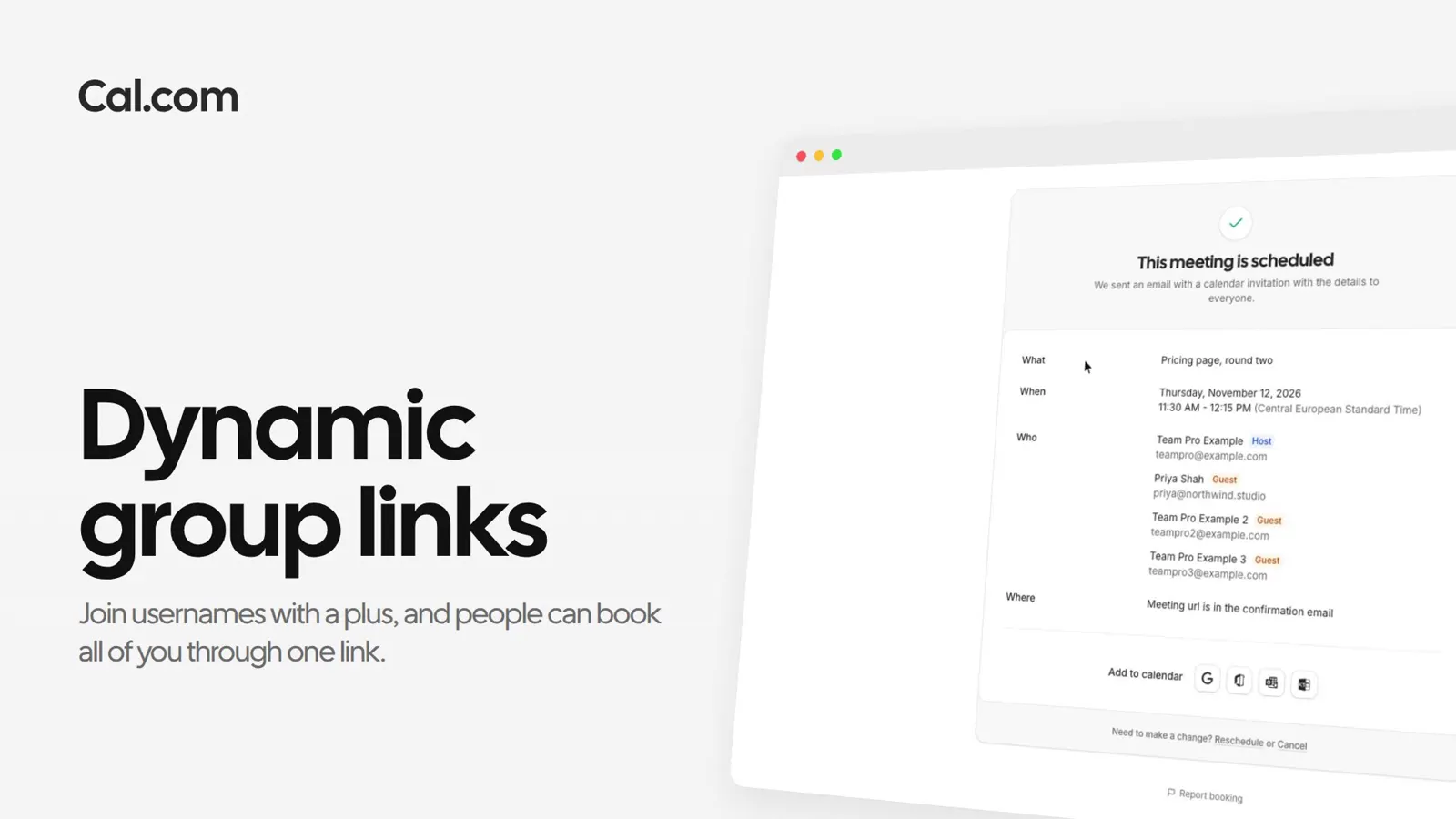
She picks 10:30 London time and confirms. Lena, Felix and Ida are all on the booking, and everyone gets the email.
The meeting lands in each host's calendar, in the gap their own meetings left, with the same call link for everyone.
Name the people and the day. Cal.ai finds a time all of you are free and books it, after you say yes.
A short recording of a dynamic group link going from two usernames to one booking on every calendar, in the same steps as above.
In this video
Each one works the same way: set it up once on a link, or ask Cal.ai to do it for you.
How they work, who can be in one, and what the booker can pick.
Ask a questionSign up, turn on dynamic group links, and add a + to your username.
Get startedTalk to sales