








Automation
App Store
Calendars, CRMs, video and more.
Put your booking page inside your own site: in a section, behind a button, in a pop-up, or as times in an email. It takes your colour, and nobody leaves the page to book.
Trusted by fast-growing companies around the world




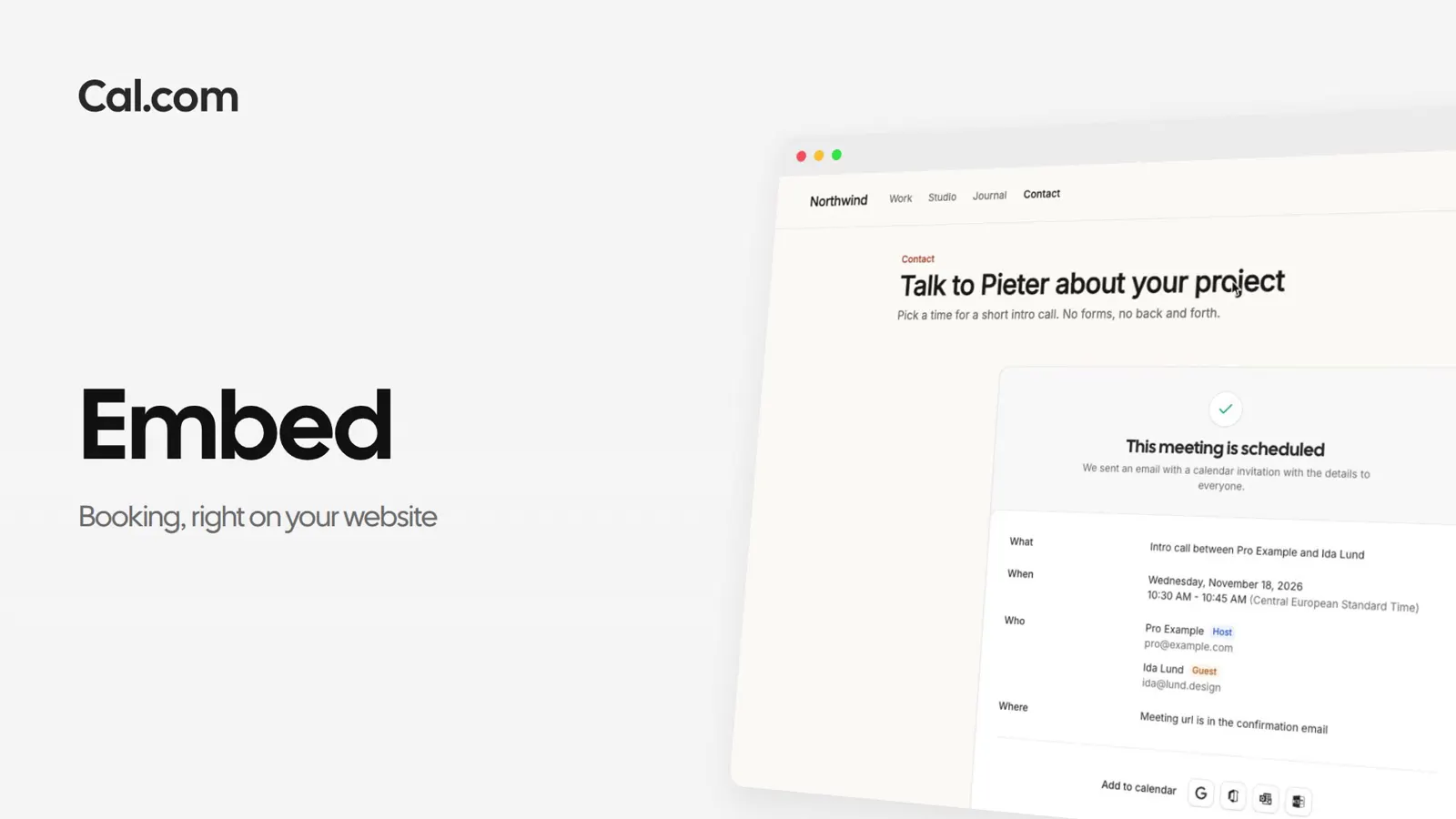
Pieter puts his intro call on Northwind's contact page. Ida books it without leaving the site.
Open a booking link, press Embed and pick a format: in the page, behind a floating button, in a pop-up from any link, or as times in an email.
Set the theme, the brand colour and the layout, then copy the code. HTML or React, and the React Atom when you want to build the booker yourself.
The booker loads in Northwind's contact section, in the studio's own colour, with Pieter's real availability.
Ida picks Tuesday at 11:30 and fills in the form. She never leaves northwind.studio.
The confirmation shows where the booker was, and Pieter hears about it straight away. Add UTM tags to the link and the booking keeps where it came from.
Cal.ai knows the Cal.com docs, so the steps to put a booker on your site are one question away.
A short recording of an embed going from the snippet to a booking on your own site, in the same steps as above.
In this video
Put the name and email in the link and the form arrives filled in. Add UTM tags and the booking keeps where it came from.
Each one works the same way: set it up once on a link, or ask Cal.ai to do it for you.