












Automation
Cal Video
Built-in video with recordings.
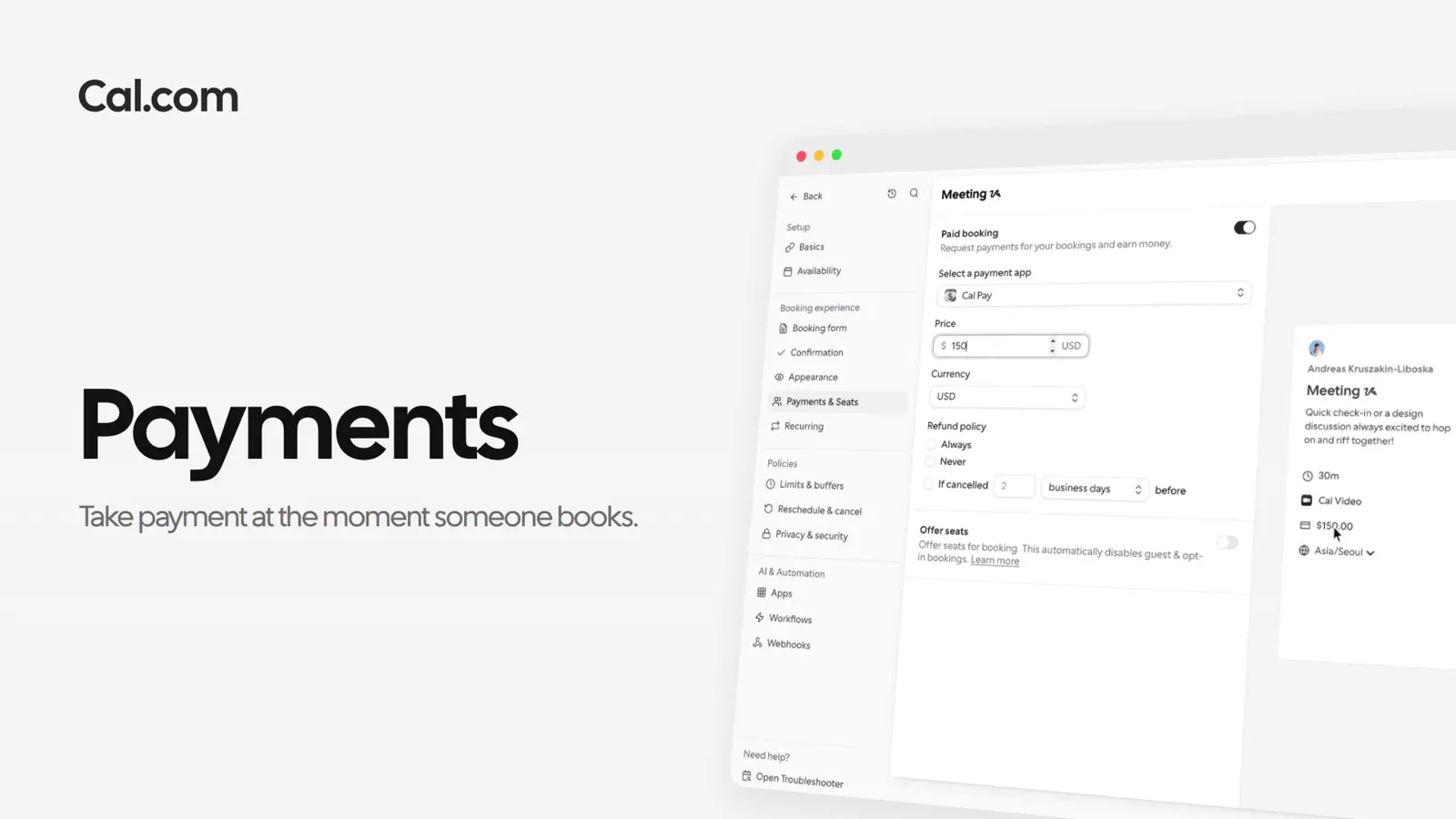
Put a price on any booking link. People pay through Stripe or PayPal before the slot is theirs, or leave a card that's only charged if they don't turn up.
Trusted by fast-growing companies around the world




Clara books Martin's 60-minute strategy session for $150.00. Follow her booking from the time she picks to the money landing.
Martin's link shows the price under the duration, so she knows what the hour costs before she chooses it.
Stripe's card fields sit on the booking itself. Clara types her card, presses Pay now, and never leaves Cal.com.
The confirmation lists what she paid, and the invite is already on both calendars.
The session lands in his Upcoming with the amount on it, and the money goes to his Stripe account.
Tell Cal.ai what a session costs. It sets the price on the link and asks before it changes anything.
A short recording of a paid event going from the Stripe app to the first receipt, in the same steps as above.
In this video
Clara missed Thursday's session. Martin marks it a no-show and charges the card she left, from the bookings list.
Each one works the same way: set it up once on a link, or ask Cal.ai to do it for you.
Which apps, when cards are charged, and what isn't supported yet.
Ask a questionConnect Stripe or PayPal, set a price, and share the link.
Get startedTalk to sales